JavaScript Enabled
You must
have JavaScript enabled in your browser settings. To see if the browser you are
using right now is JavaScript enabled, use your mouse to hover the over the box
below:
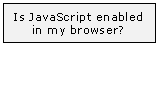
|
If the image above does not show the word "Yes!" when you hover over it, follow the steps below:
JavaScript should now be enabled. To test, hover over the image above. |